
Published by Gemora. This comparison draws on official product documentation and Gemora’s own workspace features. It is not an independent benchmark or a hands-on test of every competitor feature.
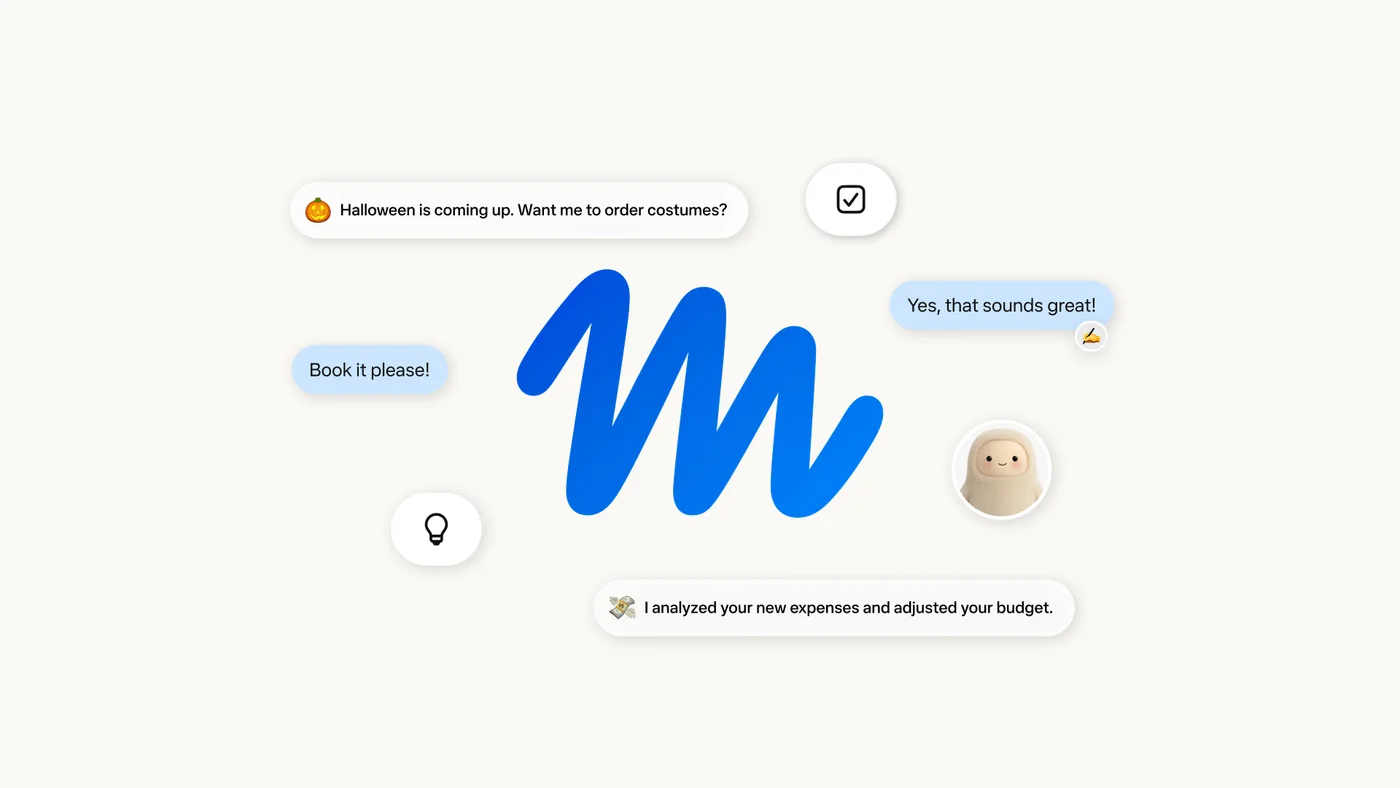
Which Muse does this comparison cover?
This article covers Muse, the personal AI agent from Meta. It compares that consumer product with Gemora’s personal workspace. The comparison is about how you use the products in everyday life, rather than a benchmark of the models behind them.
Gemora connects conversations with personal memory, journaling, notes, projects and tasks. Muse puts more emphasis on doing work on your behalf. There is real overlap in goals, personalization and follow-through, so it would be misleading to describe one as merely a chatbot or the other as merely a work assistant.
Memory can support reflection and execution
Meta describes Muse as learning from conversations and remembering relevant personal details. That context can support suggestions and actions. Gemora also uses personal context, with an emphasis on continuing conversations and keeping reflection and personal knowledge connected.
Imagine discussing a move to another city. First, you may want to understand your reasons, uncertainties and changing priorities. Later, you may want someone to research logistics or coordinate practical steps. Gemora’s workspace is oriented toward keeping that personal thread available; Muse’s agent model is oriented toward carrying out delegated work. Neither approach removes the need to check facts or review a decision.
Actions, background work and approvals
Meta’s launch announcement describes Muse running in a dedicated Secure VM with a browser, working after the app closes and requesting approval for sensitive actions such as sending an email or making a purchase. It also describes an activity audit trail and controls for connected services. These are documented product capabilities, rather than results of a hands-on test for this article.
Gemora connects personal conversations with tasks, reminders and projects. This comparison does not imply it has an equivalent dedicated browser environment or purchasing system. If your main requirement is delegating an external action, evaluate the agent’s permissions, approval flow and recovery options before deciding that memory alone is sufficient.
Privacy and availability deserve a separate check
Meta documents controls for access to connected apps, forgetting learned details and opting out of model training. Review its current product documentation before granting access. Security architecture is relevant, but a product announcement is not an independent security audit or proof that every task will execute safely.
For Gemora, review and manage personal memories and the explicit notes you save. For either product, start with a limited workflow and grant only the access it needs. Also check whether Muse is currently available for your country, account and device; a launch announcement does not establish worldwide availability.
Pricing: compare the complete workflow
Start with the task you need to complete, then check which plan includes the required memory, tools and usage allowance. A subscription name alone tells you little about limits, platform differences or regional availability. Gemora’s current plans are listed on its pricing page; use the competitor’s live pricing or in-app checkout for its current offer.
Try a small recurring workflow before paying: revisit a decision a few days later, find the original context, and turn the result into something useful. Compare how much setup and correction each tool requires. This article does not treat remembered prices or an “unlimited” label as a guarantee of unrestricted usage.
View Gemora pricingWhich should you choose?
Choose Gemora when your priority is a continuing place to talk, reflect and organize personal context. Choose Meta Muse when your priority is handing off tasks across apps and the web with review and permissions. Test them against a real sequence of needs: understand the goal, preserve relevant context, agree on a next step, and verify what actually happened.
Official sources
Product information reviewed October 4, 2026. Features, usage limits and availability can change. Product images belong to their respective owners.