
best AI journaling apps
7 Best AI Journaling Apps in 2026, Compared by Use Case
Compare seven AI journaling apps by voice capture, follow-up quality, memory across entries, privacy controls, review tools, export, and price.
Méthode: Editorial comparison based on public product, pricing, privacy, and app-store information reviewed on 2026-08-11; Gemora was checked directly, while unverified competitor claims are omitted.

Dans ce guide
- How we compared AI journaling apps
- 1. Rosebud: best for guided conversational journaling
- 2. Day One: best for a durable journal archive
- 3. Mindsera: best for framework-led reflection
- 4. Reflection: best for approachable AI-supported journaling
- 5. Journey: best for a familiar multi-device journal
- 6. Memex: best for local-first and configurable workflows
- 7. Gemora: best for reflection connected to a personal workspace
À retenir
- How we compared AI journaling apps
- 1. Rosebud: best for guided conversational journaling
- 2. Day One: best for a durable journal archive
An AI journaling app should make reflection easier without turning your inner life into a stream of generic summaries. The useful question is not simply which app has the most prompts. It is whether the app helps you capture a real moment, respond with enough specificity, connect the moment to earlier entries, and keep control of what remains stored.
This guide compares seven AI journaling apps for different use cases: Rosebud, Day One, Mindsera, Reflection, Journey, Memex, and Gemora. It uses public product, pricing, privacy, and app-store information reviewed on August 11, 2026. Gemora was checked directly; competitor claims are included only when their own public material supports them.
How we compared AI journaling apps
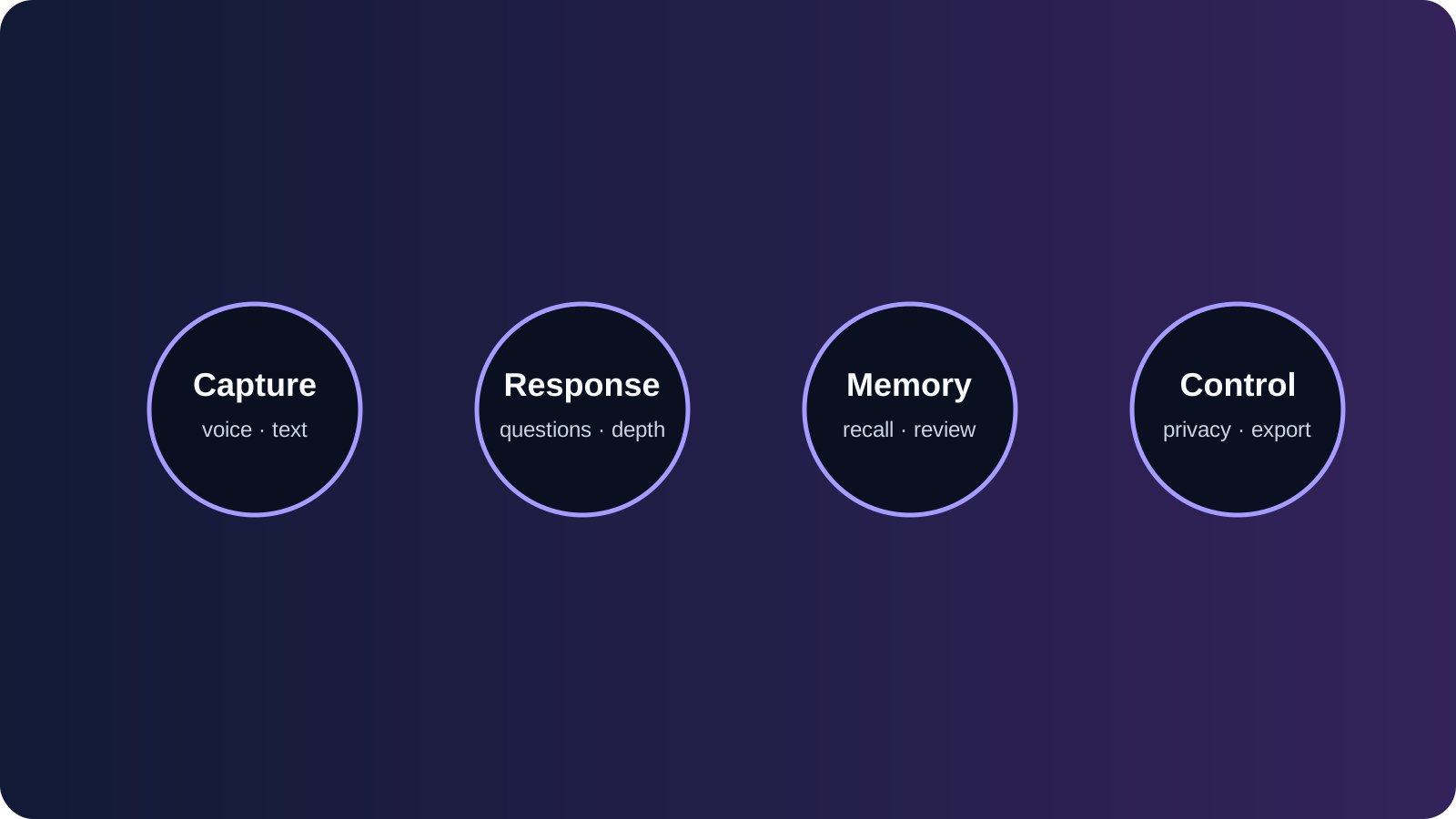
The comparison uses one rubric instead of a feature-count contest. A product can have excellent prompts and still be a poor fit if it cannot help you find an old entry or remove a sensitive detail.
| Criterion | What we looked for |
|---|---|
| Capture | Text, voice, prompts, and how quickly a person can begin |
| Response | Follow-up questions that stay specific instead of producing praise or advice by default |
| Memory | Whether useful context can connect across entries and how that connection is explained |
| Review | Search, patterns, summaries, timelines, and ways to revisit earlier context |
| Control | Visibility, correction, export, retention, deletion, and privacy documentation |
| Fit | Platform availability, pricing clarity, and the kind of reflection the app encourages |
The table below is a starting map, not a universal ranking. Public descriptions change, so check the linked product pages before subscribing.
| App | Best fit | What to investigate |
|---|---|---|
| Rosebud | Guided conversational journaling | Prompt depth, voice flow, and how insights are revisited |
| Day One | Long-running journal archive | How AI features fit the existing archive and export model |
| Mindsera | Framework-led reflection | Whether structured analysis feels useful or too prescriptive |
| Reflection | AI-supported self-reflection | Prompt quality, privacy language, and cross-entry review |
| Journey | Multi-device journaling habit | Platform coverage, media capture, and current AI scope |
| Memex | Local-first, configurable AI journal | Setup effort, device model, and what remains on-device |
| Gemora | Conversation connected to memory and workspace | Mode boundaries, memory review, and how reflections connect to projects |
1. Rosebud: best for guided conversational journaling
Rosebud is a strong candidate for people who want a journal that talks back. Its public positioning centers on AI journaling, prompts, voice journaling, and reflective conversations rather than a completely blank page.
The advantage is momentum. A question that responds to what you just wrote can make it easier to move from “today was difficult” to the concrete moment that made it difficult. The risk is over-guidance: if every entry turns into a lesson, the app may begin interpreting your life before you have finished describing it.
Choose Rosebud if: you want a guided reflection partner and you appreciate a conversation-first flow.
Check before subscribing: how old entries are searched, whether insights are clearly separated from your own words, and what deletion means for derived summaries.
For a broader explanation of this format, see What Is Conversational Journaling?.
2. Day One: best for a durable journal archive
Day One is known first as a long-running digital journal rather than an AI companion. That distinction matters. If your priority is building a chronological archive of writing, photos, audio, and places, a traditional journal foundation may be more important than a highly active AI conversation.
Its AI features should be evaluated as an addition to that archive: do they help you find a past entry, summarize a period, or start writing without changing the ownership model of the journal? A beautiful archive still needs practical export and account-deletion information.
Choose Day One if: you want a familiar journal record that can grow for years and you prefer AI to remain an optional layer.
Check before subscribing: current AI availability by plan, how media and generated summaries are handled, and the export format you would receive if you leave.
3. Mindsera: best for framework-led reflection
Mindsera is a fit for people who like reflection frameworks, prompts, and structured thinking tools. Frameworks can be helpful when a blank page feels too vague: a decision review, a perspective shift, or a values question gives the entry a clear shape.
The trade-off is that structure can become pressure. Use a framework when it clarifies the question, not because every experience needs to be classified. A good test is to write one ordinary entry and ask whether the response gives you a sharper observation or merely applies a template.
Choose Mindsera if: you want named frameworks and a more deliberate reflection practice.
Check before subscribing: whether you can move between free-form writing and frameworks, and whether you can export the original entry separately from AI interpretation.
4. Reflection: best for approachable AI-supported journaling
Reflection presents a gentler entry point for people who want help starting without adopting a complex knowledge-management system. The relevant comparison is not “does it have AI?” but “does the AI make your own observation more specific?”
Look for responses that refer to the actual detail you shared, ask one useful follow-up, and leave uncertainty intact. If every reply sounds positive regardless of the entry, the app may be comforting but not especially useful for understanding patterns.
Choose Reflection if: you want a low-friction prompt and response loop.
Check before subscribing: whether the app surfaces recurring themes across time, how it handles sensitive content, and whether the controls are visible before you add private material.
5. Journey: best for a familiar multi-device journal
Journey is worth considering when the habit itself matters more than an AI-first interface. A journal that is available on the devices you already use can win through consistency: a note made on a train is still part of the same archive when you return to your desk.
For AI-assisted use, check which features are current rather than assuming that an app’s broader journaling reputation means it offers long-term conversational memory. Media, search, backups, and export are separate capabilities from an AI follow-up.
Choose Journey if: you want a conventional journal experience with broad device access and optional assistance.
Check before subscribing: current platform support, AI feature boundaries, subscription tiers, and the exact data-deletion path.
6. Memex: best for local-first and configurable workflows
Memex is aimed at people who care about a local-first approach and want more control over agents and workflows. That can be attractive if your journal is also a personal knowledge base and you are comfortable trading setup simplicity for configurability.
The important question is where the boundary sits between local storage, model calls, custom agents, and synchronized data. “Local-first” is a useful direction, not a substitute for reading the implementation and privacy details.
Choose Memex if: you are comfortable configuring a more technical personal system and want to understand where your data lives.
Check before subscribing: device support, backup behavior, model providers, and whether deleting an entry also removes derived agent output.
7. Gemora: best for reflection connected to a personal workspace
Gemora is designed for people who do not want reflection to disappear when the conversation ends. A useful entry can remain connected to selected memory, notes, projects, tasks, and later review rather than living as an isolated diary paragraph.
That broader workspace is the reason to choose Gemora, but it also creates a higher bar for control. Keep conversation history, durable memory, and private notes conceptually separate. Review what is saved, correct anything that is wrong, and do not store another person’s sensitive details without a reason.
Choose Gemora if: you want conversational reflection that can connect to the rest of your life without forcing every thought into durable memory.
Check before subscribing: the current mode and memory controls, project boundaries, privacy policy, and account/data deletion information.
One practical distinction is worth making before you compare prices. A low monthly price does not tell you whether the journal will remain useful after six months. Look at the cost of retrieval: can you locate the original entry, understand why an insight was generated, and export the record in a form you can read without the service? A product that answers those questions clearly may be a better long-term value than a cheaper app that turns every entry into an opaque summary.
Voice deserves the same scrutiny. Voice capture removes friction when your hands are busy or writing feels artificial, but transcription can flatten tone, names, or pauses. Check whether the original audio is retained, whether a transcript can be corrected, and whether the AI response is based on the recording or only on a cleaned transcript. For a fair trial, record the same short reflection by voice and text, then compare which version you would actually want to revisit.
Search is another dividing line. Keyword search finds a phrase; semantic search may find a related idea; a pattern view may offer an interpretation. These are not interchangeable. Ask whether search results show the original date and entry, whether you can filter by a project or time range, and whether you can remove one result without deleting an entire account. Our AI journaling workflow guide explains why retrieval is part of reflection rather than a separate convenience.
Reading the scorecard by use case
If you mainly need a daily capture habit, weight friction and capture higher than analytics. The winning app is the one that opens quickly, accepts the form of expression you naturally use, and gives you a response that makes you want to return tomorrow. A technically impressive insight engine cannot compensate for a recorder that feels like homework.
If you are rebuilding an archive, reverse the weighting. Search, export, media preservation, and account portability become more important than a clever first response. Ask how a five-year archive is organized, whether dates survive an export, and whether the original entry remains distinct from generated tags. An archive is a promise about the future, so judge the leaving path before you judge the onboarding path.
For voice-first journaling, test noisy conditions. Record in a kitchen, on a walk, or beside a running fan. Listen for names, pauses, and code-switching that a transcript may misread. Check whether you can edit the transcript without losing the audio and whether the product uses the recording for anything beyond the requested reflection. Voice is intimate; its controls should be as visible as its microphone button.
For pattern-seeking, demand evidence. A monthly summary should link to the entries that support it and distinguish a repeated phrase from an inferred theme. If the app says you “often avoid conflict,” you should be able to inspect the dates and words behind that conclusion. A pattern is a prompt for your judgment, not a label the product gets to own.
Pricing and privacy questions that change the decision
Prices are snapshots. Record the currency, billing interval, and date you checked them, then link to the provider’s current pricing page. Features can move between free and paid tiers, and app-store pricing can differ by region. Avoid comparing a one-time purchase with a monthly subscription as if they were the same commitment; include the cost of migration and storage when the archive matters.
Privacy language deserves a consistent reading. Look for collection categories, service providers, retention, account deletion, model-training disclosures, and the treatment of generated insights. “Encrypted” may describe transport without answering who can access the content. “Private” may describe the product’s intent without promising a particular retention period. Quote only what the provider says and mark unanswered questions as unanswered.
Create a tiny decision record before subscribing:
App and plan checked:
What I want to capture:
What I want to retrieve six months from now:
Sensitive details I will keep out:
How I will export:
How I will delete:
One feature I will not confuse with memory:
This record keeps your criteria stable when a landing page emphasizes a new feature. It also makes a fairer comparison for a partner or colleague who has a different tolerance for setup, voice, or cloud storage. There is no universal winner; there is only a clearer match between a product’s operating model and the story you want to keep.
The first week is more revealing than the demo
Give each shortlisted app the same seven-day prompt set: one ordinary day, one decision, one voice note, one difficult moment, one photo or place, one review request, and one deletion request. Keep the entries short and comparable. Note the time from opening the app to a saved entry, the specificity of the follow-up, and whether the response leaves room for “I do not know.” This is a user-led workflow check, not a claim that you have hands-on tested every competitor.
At the end of the week, read the entries in their original order. Did the app help you remember what actually happened, or did it pull every day toward the same lesson? Did it surface an older entry at the right moment, or did it create a generic pattern? Did you feel more ownership of the record or less? These questions capture quality that a feature matrix cannot.
Make the result auditable. Save screenshots only when the provider permits it, link to public documentation, and write the date you checked each control. Do not publish private journal text as evidence. For a public comparison, describe the method and its limits, then invite readers to verify current plans and policies before they move sensitive writing.
How to choose in fifteen minutes
Do not migrate years of writing on the first day. Use a small, repeatable test:
- Write one ordinary entry, not a polished story.
- Ask one follow-up question and check whether the response uses your real detail.
- Return two days later and test whether the app can find the earlier context.
- Inspect the memory, export, and deletion controls before adding anything sensitive.
- Compare the result with your natural habit: typing, speaking, photos, or conversation.
The best AI journaling app is the one you can keep using while retaining authorship of your own story. If you want a deeper comparison between conversation and a traditional journal, read Conversational Journaling vs Traditional Journaling. For a privacy-first checklist, see Personal AI Memory Privacy Checklist.
FAQ
Are AI journaling apps better than paper journals?
They solve different problems. Paper offers a quiet, local archive; AI can ask responsive questions, summarize, and help you revisit patterns. Many people benefit from using each for a different kind of reflection.
Should an AI journal remember everything?
No. Durable preferences, recurring projects, and chosen reflections may be useful. Temporary moods, sensitive details, and other people’s private information often deserve a shorter lifecycle or no storage at all.
Can AI journaling replace therapy?
No. AI journaling can support ordinary reflection and organization, but it is not a licensed clinician, crisis service, or substitute for professional care.
How should I compare privacy between apps?
Read the current privacy policy, retention language, model-provider disclosures, export path, account deletion process, and memory controls. Then test those controls with low-sensitivity sample entries before trusting the system with more.
That discipline also makes the article easier to update. When a plan changes, revise the dated row instead of silently rewriting the score. Readers should be able to tell which conclusions are durable principles and which depend on a provider’s current product page.
Keep the scorecard close to the article’s promise: capture, voice, follow-up, memory, review, export, privacy, platform, and price. A reader should be able to see why “best for” is different from “most features,” and should be able to change the weighting for their own life.
Poursuivre la réflexion
Try reflection that remembers what matters
Connectez les conversations, le contexte utile, les réflexions, les projets et les tâches dans un seul espace de travail personnel.
Commencez gratuitementQuestions fréquemment posées
What is the best AI journaling app for most people?
The best fit depends on whether you value guided prompts, voice capture, long-term memory, privacy controls, or a traditional journal archive. Use the rubric rather than a universal ranking.
Do AI journaling apps remember previous entries?
Some retrieve selected context across entries, while others mainly summarize the current session. Check the product’s memory and deletion controls before sharing sensitive writing.
Is an AI journaling app private?
Privacy varies by provider, plan, storage, retention, and controls. Read the current privacy policy and test export and deletion before adding intimate material.

